
Solarpunk Wiring System: A No-Stuck Beginner Guide
Wiring is the part of Solarpunk that frustrates new players the most. The visual feedback is unclear, and one bad cable placement can short an entire grid. This guide walks you through the wiring system in 4 short steps, with screenshots at every stage.
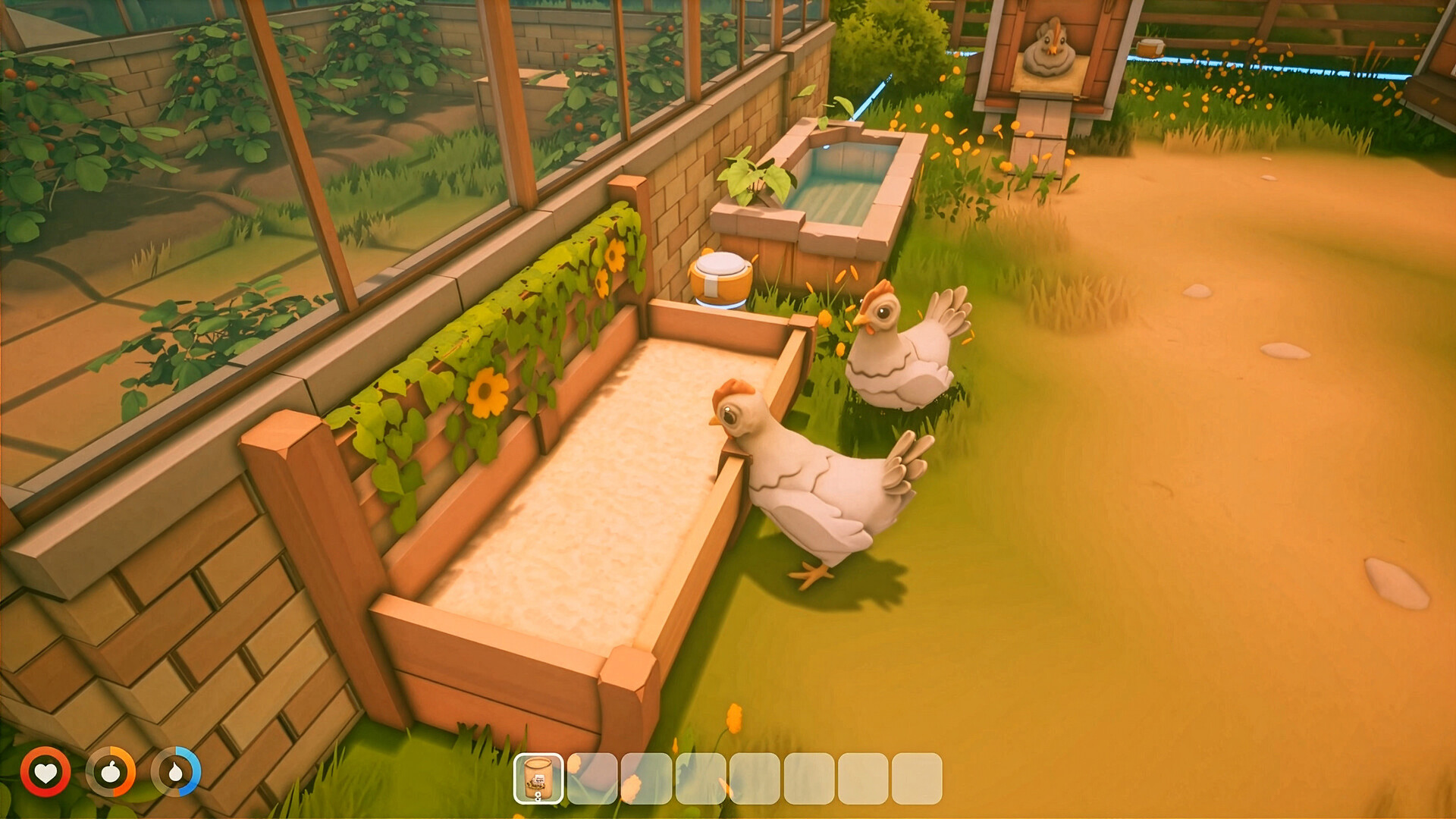
Step 1 — Place the Power Source
Open the build menu (B key), select "Power", then place a Solar Panel. Solar panels are the cheapest source and the right choice for the first 10 hours of any save.
Place it on the highest block of your base, facing south. The panel needs 1 block of clear sky above it to function.
Step 2 — Place the Splitter
A splitter is the multi-plug of Solarpunk. It takes 1 cable input and outputs to 3 cables. Every grid needs at least one.
- Place the splitter 2-4 blocks away from the panel.
- It auto-orients to face the nearest power source.
- Right-click to confirm placement.
Step 3 — Run the Cable
Open the build menu, select "Wiring", choose Basic Cable. Aim at the side of the splitter — a green outline means the cable will connect; red means it will not.
- Click the side of the solar panel.
- Walk backward toward the splitter, clicking to lay cable segments.
- Click the side of the splitter to finish the line.
- Repeat for each output you need from the splitter.
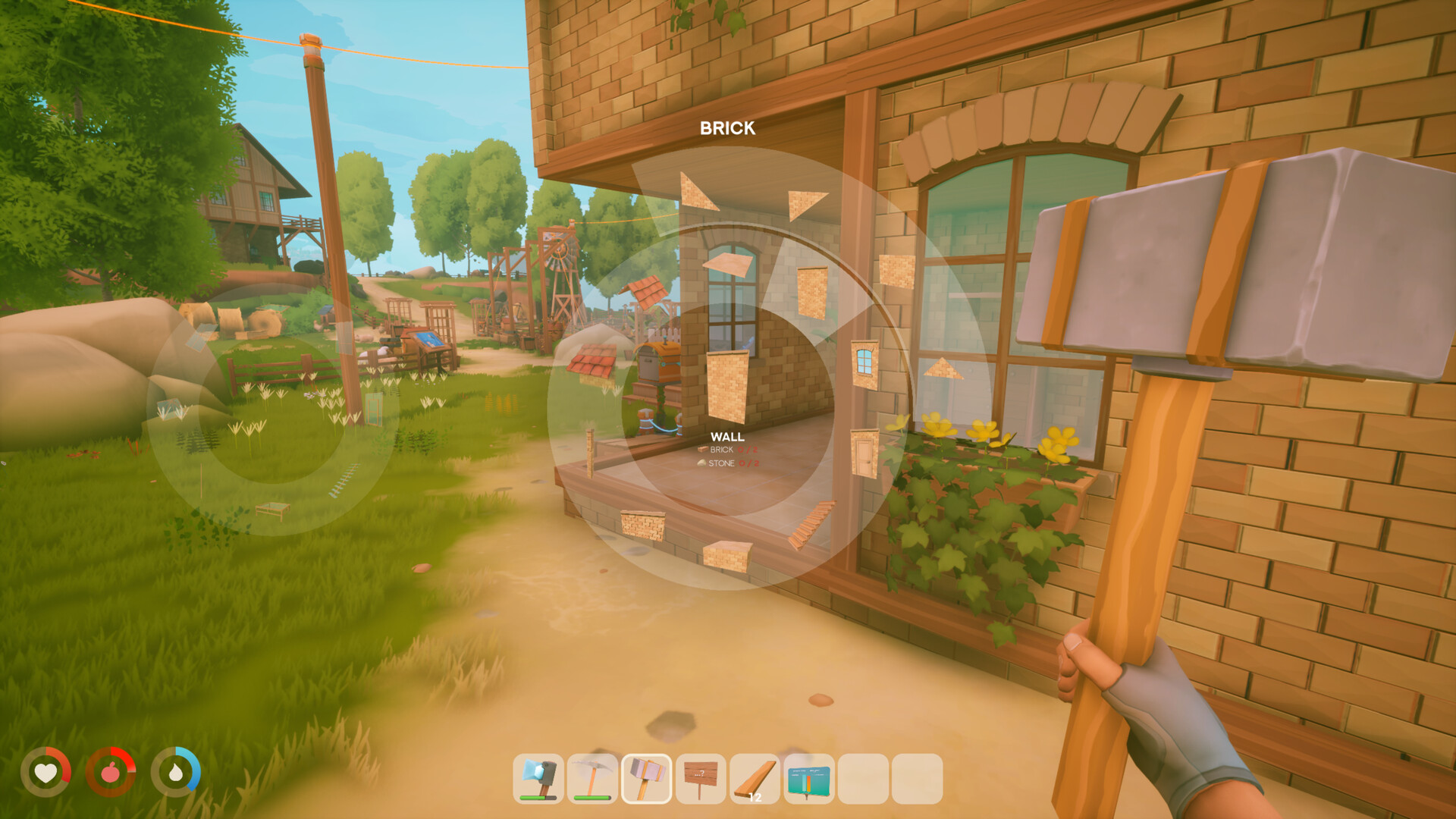
Step 4 — Connect the Machine
Aim at the side of the machine (e.g. a lamp, a battery, a drone charger). Click to attach the cable. If the machine powers on, the cable end glows blue. If it does not, the cable is too long or the grid is over-loaded.
The 4 Beginner Mistakes (And How to Fix Them)
| Mistake | Symptom | Fix |
|---|---|---|
| Cable too long | Machine doesn't turn on | Replace basic cable with heavy cable |
| Two cables on same block | Grid shorts, no power anywhere | Add a bridge where they cross |
| Splitter chain (3 deep) | End machines flicker | Use a star pattern: 1 splitter per machine group |
| No battery | Blackouts at night | Always include 1 battery per 4 machines |
When to Upgrade to Heavy Cable
Heavy cable carries 100W (vs. 20W for basic) and is worth the copper cost as soon as you have more than 3 machines on a single line. Most players upgrade in hour 8-10 of any save.
Next Steps
Got the basics? Build a redudant grid for your late-game base with the Power Grid Setup guide.